Written by: Matthew Timmins, Founder and Managing Director, Leva Sleep
Key Takeaways for Smart Bed Apps
- Most adjustable beds now use brand-specific smartphone apps that connect over Bluetooth or Wi-Fi, so you are not tied to a physical remote.
- Major brands such as Leva Sleep, Sleep Number, Reverie, and Ergomotion each offer dedicated apps that support split configurations and anti-snore features.
- Pairing steps differ by manufacturer, but usually involve turning on Bluetooth, installing the official app, and following in-app device detection prompts.
- Leva Sleep’s app stands out with fully independent Split Queen and Split King control, custom presets, vibrating alarms, and spring-2026 automatic anti-snore adjustments.
- Experience Leva Sleep’s advanced app and bases firsthand by exploring Split Queen and Split King options today.
How Adjustable Bed Apps Work
Most modern adjustable bases ship with a manufacturer-specific smartphone app that pairs over Bluetooth or Wi-Fi. App control has become a key differentiator for split-king bases, because it allows each sleeper to adjust their side independently without hunting for a shared remote. Smart sleep environments now use sensors embedded in sleep surfaces to monitor breathing, heart rate, and body movement, with AI systems adjusting mattress support and elevation in real time. The comparison table below maps the most widely owned brands to their official apps so you can identify the correct download before troubleshooting begins. Notice that all major brands now support split configurations, while automatic anti-snore detection remains limited to a few platforms such as Leva Sleep and Sleep Number.
Adjustable Bed App Features by Brand
| Brand | Official App | Split King / Queen Support | Anti-Snore Feature |
|---|---|---|---|
| Leggett & Platt / LINAK | Leggett & Platt’s official app for its adjustable beds is LP Adjustable Bed Control (iOS & Android), while LINAK offers the separate Bed Control app | Yes, split king/queen with independent and synchronized modes | Leggett & Platt adjustable bases include a dedicated anti-snore button or reprogrammable anti-snore position |
| Reverie | Nightstand App (iOS & Android) | Yes, independent side control | Reverie adjustable beds include dedicated Anti-Snore presets and positioning |
| Sleep Number | Sleep Number App (iOS & Android) | Yes, split king support with Partner Snore feature | Yes, Partner Snore button raises partner’s head on demand |
| Ergomotion | Connected Bed App (iOS & Android) | Yes, split configurations supported | Anti-snore preset available on select models |
| Leva Sleep | Leva Sleep App (iOS & Android) | Yes, Split Queen and Split King with fully independent side control | Yes, spring-2026 anti-snore mode detects snoring and makes micro head-angle adjustments automatically |
Controlling Your Adjustable Bed With Your Phone
You can control your bed with your phone when your base supports Bluetooth or Wi-Fi pairing. The exact steps differ by manufacturer, so the instructions below walk through the five most common platforms.
Leggett & Platt (LP Adjustable Bed Control App)
Leggett & Platt uses the LP Adjustable Bed Control app for its adjustable beds, and LINAK systems use the separate Bed Control app. LP Adjustable Bed Control pairs via Bluetooth Low Energy on Android and iOS devices. To pair:
- Download the LP Adjustable Bed Control app from the App Store or Google Play.
- Turn on Bluetooth in your phone’s settings and grant the app Bluetooth permission.
- Select your bed configuration, such as single, double, or synchronized, inside the app.
- If the base does not appear in the scan, unplug the bed for one minute, plug it back in, then scan again.
- Contact manufacturer support if pairing still fails after these steps.
Reverie (Nightstand App)
Reverie bases pair with the Nightstand app over Bluetooth. Install the app, enable Bluetooth, and follow the in-app device search prompts. Each side of a split configuration pairs independently, so each partner can save custom positions without changing the other side.
Sleep Number (Sleep Number App and FlexFit Troubleshooting)
Sleep Number FlexFit smart bases require Bluetooth to be enabled in device settings and the Sleep Number app to have Bluetooth permission before pairing. Key status indicators include:
- Flashing blue Favorite button means the base is in pairing mode
- Orange light means the base is moving or a button is pressed
- Purple light means initial power-up or homing is required
Frequent E1 or E3 remote connectivity errors usually mean the base needs a software update, which requires a Wi-Fi connection. Pump lights flash during the roughly 10-minute download, and the base must stay plugged in. To reboot, unplug the base for one minute, then run a Quick System Test from the Sleep Number app settings menu.
Ergomotion (Connected Bed App)
Ergomotion bases pair with the Connected Bed App via Bluetooth. Download the app, enable Bluetooth, and select your model from the device list. Anti-snore presets on supported models appear in the app’s preset menu and can be activated with a single tap.
Leva Sleep App for Split Queen and Split King Couples
Leva Sleep’s app focuses on couples who want true independent control on Split Queen and Split King bases. See these features in action at the La Jolla showroom or explore the full Split Queen and Split King lineup online.
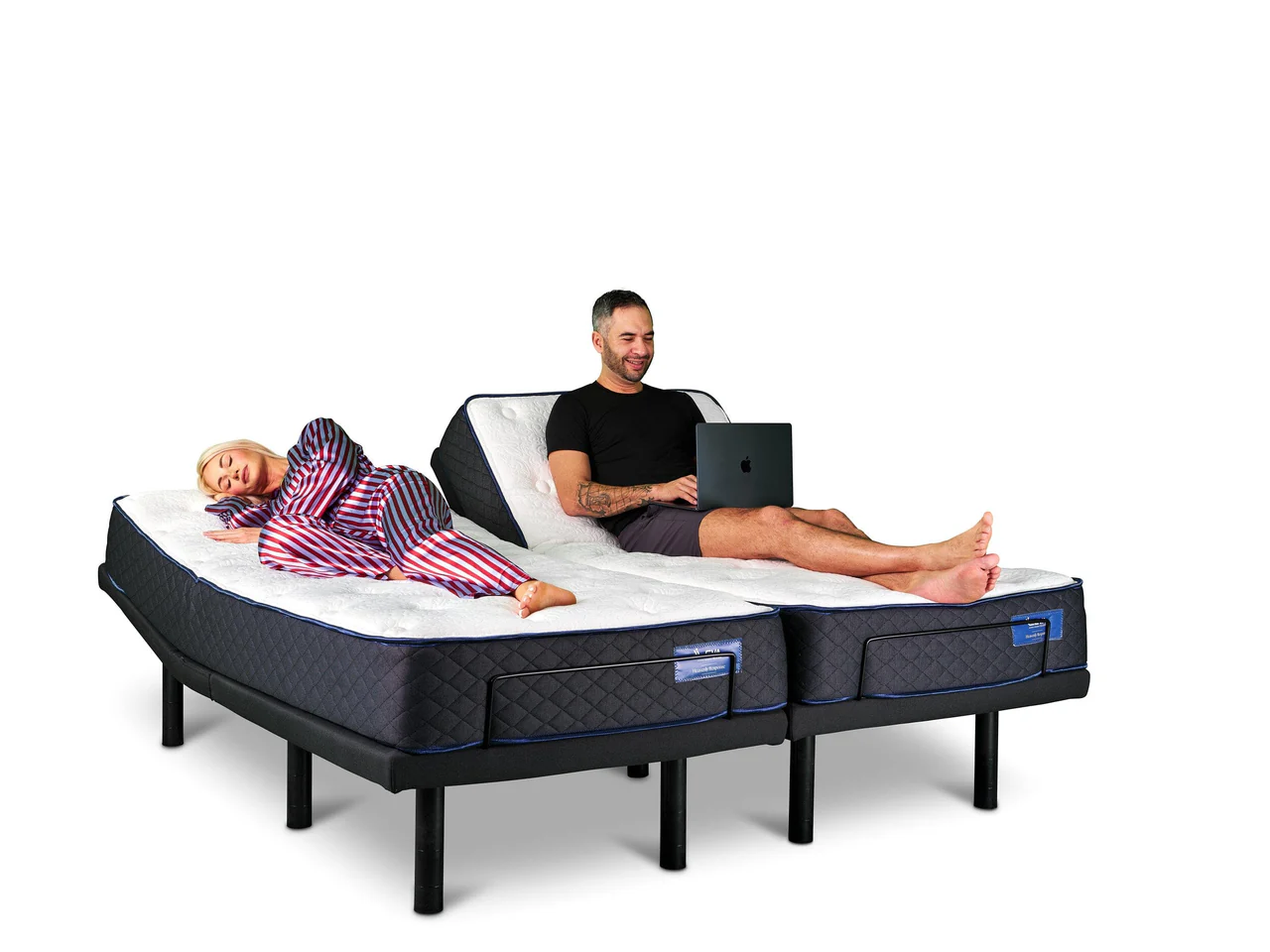
The Leva Sleep app acts as the control center for Leva’s Split Queen and Split King adjustable bases, which include one of the only widely available split-queen platforms in the U.S. market. Dual-zone support technology has been adopted in 40% of new luxury mattresses launched 2024–2026, and that trend reflects growing demand for the independent-side control that Leva delivers.
Core app features include:
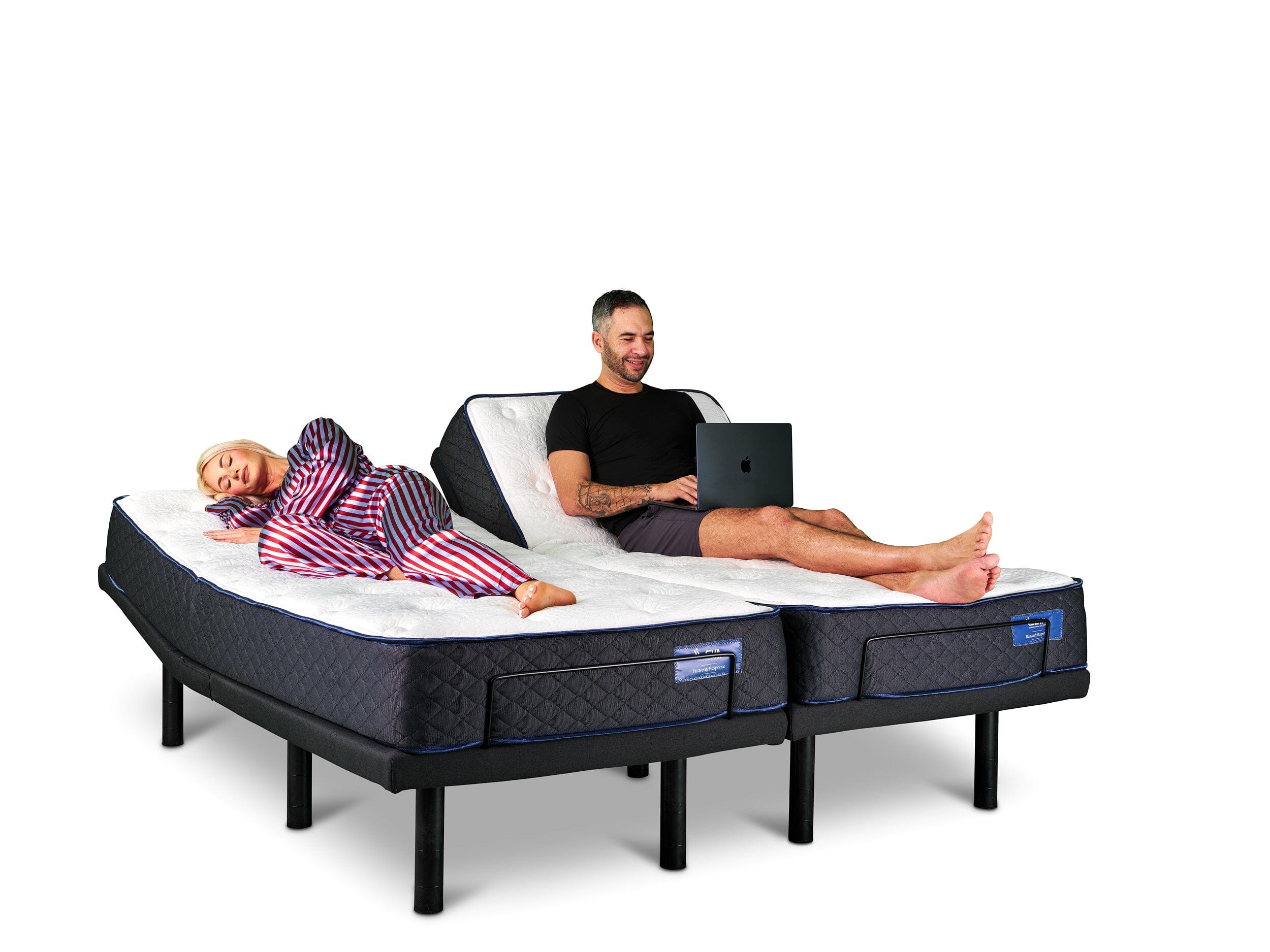
- Fully independent head and foot elevation control for each side of a Split Queen or Split King
- Custom saved sleep positions for each partner
- Vibrating alarm that wakes one partner without disturbing the other
- Spring-2026 anti-snore mode that detects snoring via sensor and makes micro head-angle adjustments automatically, with no button press required
- Bluetooth pairing with whisper-quiet German motors that avoid the mechanical noise common in entry-level bases
To pair the Leva Sleep app:
- Download the Leva Sleep app from the App Store or Google Play.
- Turn on Bluetooth on your phone and grant the app Bluetooth permission.
- Open the app and select “Add New Base.” Each side of a split configuration appears as a separate device.
- Follow the in-app tutorial to save your first custom position.
Every Leva Sleep purchase includes optional white-glove in-home setup that covers app pairing, position calibration, and a live product tutorial. This service removes the guesswork that often frustrates buyers of box-shipped bases.
Troubleshooting Common App and Bluetooth Issues
The steps below address the most frequent pairing and operation problems across major adjustable bed apps.
Pairing failures:
- Confirm Bluetooth is enabled and the app has Bluetooth permission in your phone’s privacy settings, because configuration errors cause many failed connections.
- If Bluetooth is set correctly but pairing still fails, close the app fully, unplug the base for one minute, plug it back in, then reopen the app and scan again. This reset clears temporary connection states.
- When the base still does not appear in the scan, check that no other device is actively connected to it, since most bases support only one paired phone at a time.
- If you have ruled out connection conflicts, check whether a firmware update is pending. Outdated firmware is a documented cause of E1 and E3 errors on Sleep Number FlexFit bases and can trigger similar connectivity failures on other platforms.
Noisy motor operation:
- Inspect all wire harness and power connections for looseness, since physical connection checks are a standard first step in Sleep Number’s official troubleshooting protocol.
- Confirm the base legs are level, because an uneven floor transfers vibration into the frame and amplifies motor sound.
- If noise persists on a Leva Sleep base, contact Leva’s support line. The whisper-quiet German motors mentioned earlier should not produce audible grinding or clicking during normal adjustment.
Lost or unresponsive remote:
- App control on models such as the Tempur-Pedic Ergo Smart Base lets users adjust the base if the remote is misplaced, and the same pattern applies to Leva Sleep, Ergomotion, and other app-enabled bases.
- Use the manufacturer app as a full remote replacement until you locate the physical remote or receive a replacement.
Next Steps: Confirm Your Base and Update Firmware
Start by locating your base model number, which usually appears on a label on the underside of the frame or inside the motor housing. Match that number to the brand table above to confirm the correct app. Then open the app’s settings menu and check for available firmware updates, because running outdated firmware is the most common cause of pairing failures and feature glitches across platforms.
For couples evaluating a new base, the smart bed app only performs as well as the hardware behind it. Leva Sleep’s Split Queen and Split King bases, combined with the Leva Sleep app’s spring-2026 anti-snore automation and independent dual-zone control, form one of the most advanced couples-focused platforms currently available in the U.S. market.
For couples who want to test these features in person, visit the La Jolla showroom or browse the latest Leva Sleep adjustable bases online.
Frequently Asked Questions
Does the Leva Sleep app work with split queen bases?
The Leva Sleep app is specifically designed to support Split Queen and Split King configurations, which remain difficult to find in the U.S. market. Each side of the split base appears as an independent device in the app, so each partner can save custom head and foot elevation positions, set individual vibrating alarms, and activate the spring-2026 anti-snore mode without affecting the other side. This structure makes the Leva Sleep app one of the only platforms offering true split-queen independent control via smartphone.
How loud are Leva’s German motors compared with other brands?
The whisper-quiet German motors mentioned earlier are engineered to operate below the threshold of sleep disruption. Many entry-level and mid-range bases use motors that produce audible clicking or grinding during position changes, which can wake a light sleeper. Leva’s motors support smooth, near-silent adjustment so one partner can change position at night without disturbing the other. If you want to compare noise levels directly, the La Jolla showroom allows you to run the motors through their full range of motion before purchasing.
Can app control replace a lost remote?
On all app-enabled Leva Sleep bases, the app can replace a lost remote completely. The Leva Sleep app controls head elevation, foot elevation, custom presets, vibrating alarms, and anti-snore mode without relying on the physical remote. This flexibility matters when the remote slides under the bed or goes missing, because the app preserves full functionality. Comparable app-enabled platforms such as Sleep Number FlexFit and Ergomotion offer similar remote replacement on supported models.
Is anti-snore automation medically approved?
Automated anti-snore features on adjustable bases, including Leva Sleep’s spring-2026 mode, function as positional interventions rather than medical devices. These modes detect snoring sounds or vibrations and make small upward adjustments to the head of the bed, which can help open the airway and reduce snoring intensity. This approach aligns with clinically recognized positional therapy for mild snoring and mild obstructive sleep apnea. However, adjustable base anti-snore modes are not FDA-cleared medical treatments and do not replace physician-prescribed CPAP or other therapies for diagnosed sleep apnea. Anyone with suspected or confirmed sleep apnea should consult a sleep medicine physician before relying on positional adjustment alone.
For couples seeking physician-recommended positional therapy combined with premium app control, explore Leva Sleep’s adjustable base options today.