Written by: Matthew Timmins, Founder and Managing Director, Leva Sleep
Key Takeaways for Couples Sharing a Split Base
-
Split adjustable bases work best when each partner has an independent wireless remote or app profile for their own side.
-
Clear pairing methods such as factory reset, channel assignment, Bluetooth profiles, or sync cable removal keep each control tied to one side only.
-
App-based systems like Leva Sleep’s Bluetooth app give couples dual-side control, anti-snore micro-adjustments, and preset management without physical remotes.
-
Helpful nighttime features include backlit buttons, built-in flashlights, reliable RF or Bluetooth connections, and reasonably priced replacement remotes.
-
For seamless independent control, explore Leva Sleep’s app-controlled split bases online or visit the La Jolla showroom to try the system in person.
Why Couples Need Two Remotes on a Split Adjustable Base
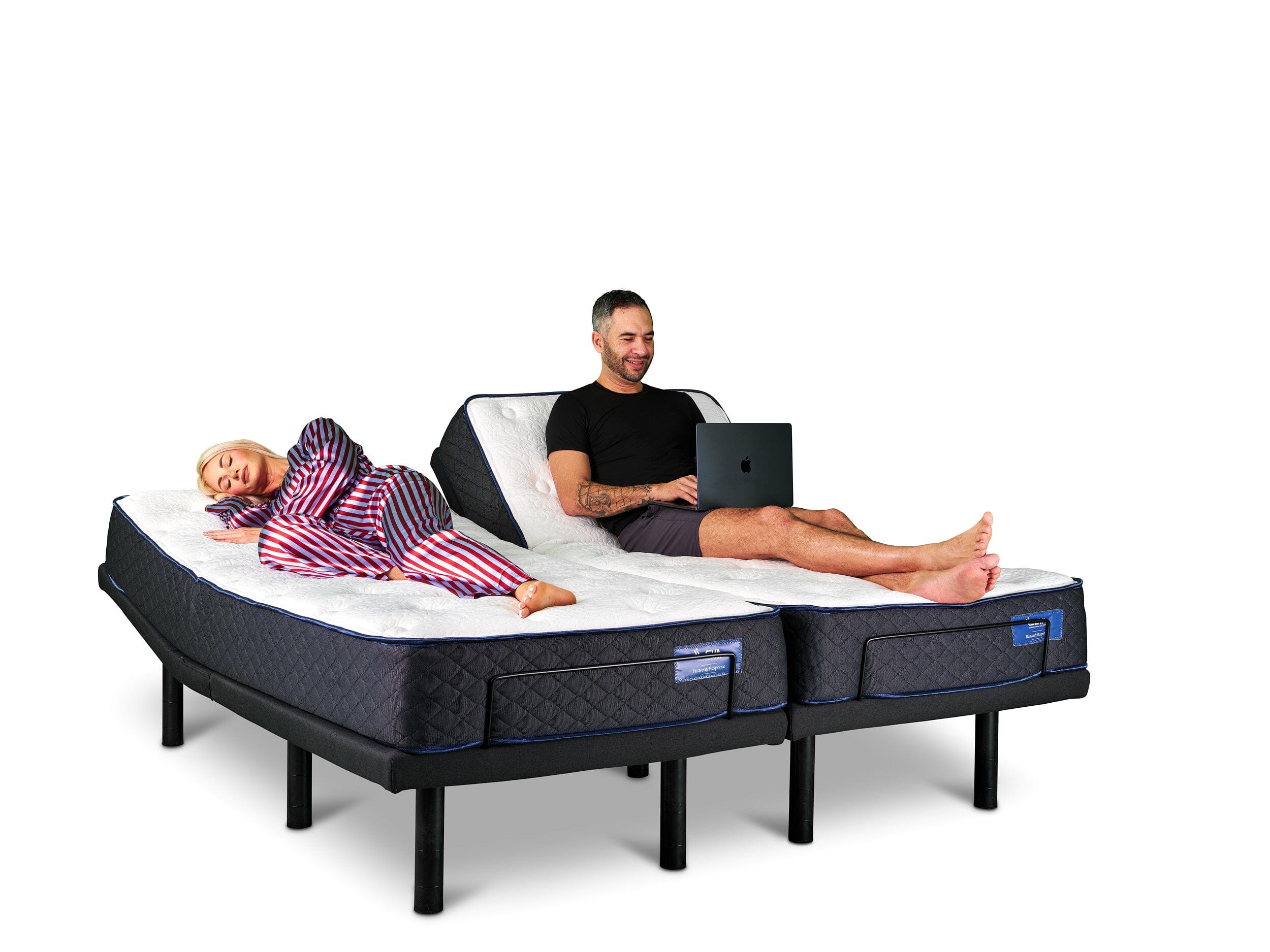
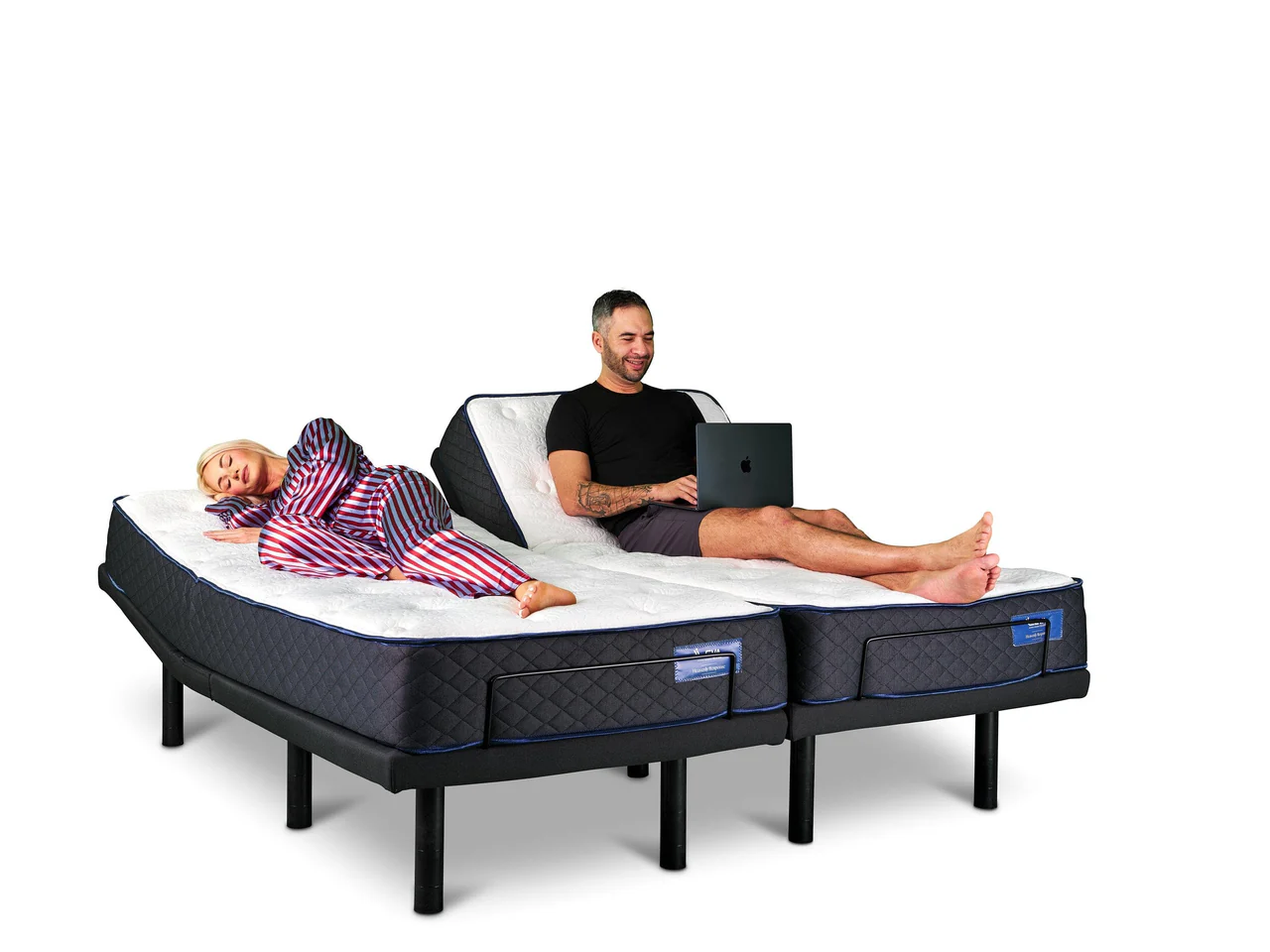
A split king or split queen adjustable base uses two independently motorized sides that share a frame but move separately. When a couple relies on a single remote to control both sides, one partner’s adjustment changes the other partner’s position and removes the benefit of a split setup.
Independent wireless control prevents this problem. Each partner manages their own head and foot elevation, massage intensity, and saved presets without affecting the other side. For couples dealing with snoring, sleep apnea, acid reflux, or different comfort preferences, this separation keeps the system working as intended.
Recognizing this need, most premium split bases in 2026 ship with two remotes as standard, and app-based control now serves as a reliable alternative or backup. The priority is exclusive pairing so each remote or app profile controls only one side, with no cross-channel interference during nighttime adjustments.
How to Pair Dual Remotes on a Split King or Split Queen Base
Most manufacturers follow one of four common pairing methods for split adjustable bases. Before you start, update the base firmware if possible and confirm that both remotes have fresh batteries or a full charge.
Method 1: Factory Reset with Step-by-Step Sequential Pairing
1. Power off both base sides at the wall outlet to clear any existing pairing data.
2. Hold the pairing button on Remote A for five seconds until the indicator light flashes, which places the remote in pairing mode.
3. Restore power to Side A only so the base links exclusively to Remote A without receiving signals from Remote B.
4. Repeat the process for Remote B with Side B powered on by itself to maintain one-to-one pairing.
5. Test each remote and confirm it controls only its assigned side with no cross-control.
Method 2: Channel Assignment Through the Remote Menu
1. Open the settings menu on each remote, usually by holding the home or settings button.
2. Choose “Channel” or “Zone” and assign Channel 1 to the left side and Channel 2 to the right side so each channel maps to one base half.
3. Enter the same channel assignment on the base control panel if your model includes one.
4. Save the settings and exit the menu to lock in the assignments.
5. Verify that each remote now operates only its designated side before regular use.
Method 3: Bluetooth App Pairing with Separate Side Profiles
1. Download the manufacturer’s app and create an individual profile for each partner so settings stay separate.
2. Open Bluetooth settings on each phone and scan for available base devices to start pairing.
3. Assign Profile A to the left base unit and Profile B to the right base unit inside the app.
4. Run a quick test adjustment from each profile to confirm it controls only the correct side.
5. Save preferred presets such as flat, zero gravity, or reading position within each profile.
Method 4: Removing a Hardwired Sync Cable for True Wireless Independence
1. Find the sync cable that links the two base halves on older split models and identify both connection points.
2. Disconnect the cable so each side can operate as a fully independent unit instead of mirroring movements.
3. Pair each remote to its own side using Method 1 or Method 2 to establish separate control paths.
4. Check that shared features such as under-bed lighting still function as expected after cable removal.
5. Review the manufacturer’s documentation before removing any cable so you do not risk voiding warranty coverage.
Best App Control Options for Couples in 2026
App-based control now serves as a practical tool for couples who want reliable, conflict-free adjustments in the dark. Physical remotes can go missing, share frequencies, or lack the fine control needed for small nighttime changes.
The Leva Sleep app uses Bluetooth and gives each partner a dedicated side profile inside one simple interface. Each profile stores its own head and foot elevation presets, massage patterns, and anti-snore positioning sequences. The anti-snore mode on Leva’s 2026 systems detects snoring and raises the head slightly, so the adjustment happens without waking either partner or reaching for a remote.
Competing systems offer similar app-based control but with different trade-offs. Sleep Number’s app provides dual-side control through its FlexFit bases but requires a Sleep Number mattress for full functionality, which limits compatibility with other mattress brands. Tempur-Pedic’s Ergo app supports preset management and snore response features for its own bases.
Leva Sleep’s app works across its full range of split bases, pairs with several mattress brands in Leva’s curated US lineup, and comes included with the base instead of as a paid subscription tier. Couples who value Bluetooth stability, independent side presets, and freedom from brand lock-in often find the Leva app a more transparent and flexible choice.
Nighttime Remote Features Couples Should Compare
When you compare wireless remotes for adjustable beds, focus on how each option will feel during real nighttime use.
Backlighting: A backlit remote lets you adjust positions without turning on a lamp. Look for remotes with auto-dimming backlights that activate on touch and then fade, which reduces light disruption for a sleeping partner.
Built-in flashlight: Some remotes include a small LED flashlight that helps you find the remote in a dark room without unlocking a phone or turning on overhead lights.
Pairing reliability: Check whether the remote uses RF or Bluetooth. RF remotes usually keep a stable connection through bedding and at longer distances, while Bluetooth remotes and apps depend on phone proximity and battery level.
Replacement cost: Physical remotes are lost or damaged regularly, which makes replacement cost a real factor over time. Before you buy a base, confirm both the price and availability of replacement remotes, since proprietary models from some brands can cost $80–$150 and may require ordering directly from the manufacturer with added wait times.
App backup availability: A base that supports both a physical remote and an app gives couples a backup if one control method fails. Systems that rely only on a proprietary remote with no app alternative create a single point of failure.
Comparison Table of Popular Wireless Remote Systems
|
Brand / Remote |
Backlighting |
Dual-Side Sync Capable |
App Backup Available |
|---|---|---|---|
|
Leva Sleep App Control |
App-based (no physical remote required) |
Yes, independent side profiles |
Yes, app is the primary interface |
|
Leggett & Platt S-Cape+ Remote |
Yes, backlit buttons |
Yes, with dual-remote purchase |
Yes, Wallhugger app compatible |
|
Ergomotion Standard RF Remote |
Partial, select buttons only |
Yes, channel-assigned pairing |
Limited, varies by model |
|
Sleep Number FlexFit Remote |
Yes, full backlight |
Yes, requires Sleep Number mattress |
Yes, SleepIQ app |
|
Tempur-Pedic Ergo Remote |
Yes, backlit |
Yes, split base only |
Yes, Tempur-Pedic app |
|
Generic Universal RF Remote |
No |
Limited, compatibility varies |
No |
Use this table as a starting point, then confirm current specifications with each manufacturer, since firmware updates and model revisions can change remote features during the year.
App Control as a Full Wireless Remote Replacement
App control suits couples who have lost a remote, struggled with pairing, or simply prefer managing their sleep setup from a phone. Leva Sleep’s Bluetooth system lets each partner save multiple presets such as zero gravity, anti-snore elevation, and flat rest, then switch between them with a single tap.
Beyond preset management, the app provides access to under-bed lighting, massage intensity, and lumbar support, all inside the same interface that controls the anti-snore feature described earlier. Vibrating alarm functions allow one partner to wake up without disturbing the other with sound.
Because Leva designs and assembles its systems in-house and sells directly to consumers, the app receives support through the full warranty period without requiring a specific mattress brand. Couples considering split-queen and split-king systems can test the full feature set at Leva’s La Jolla showroom or review configurations online.
Frequently Asked Questions
Can a universal remote control any adjustable bed base?
Universal adjustable bed remotes work across several base brands, but compatibility is not guaranteed. Most universal remotes support common RF frequencies used by manufacturers like Leggett and Platt or Ergomotion, while proprietary systems from brands such as Sleep Number or Tempur-Pedic use closed protocols that block third-party remotes. Before you buy a universal remote, confirm the frequency and protocol your base uses by checking the owner’s manual or contacting the manufacturer.
What should couples do if one remote is lost on a split base?
First, check whether the base supports app control, since the app can act as an immediate replacement while you order a new remote. If the base is app-compatible, download the manufacturer’s app and pair it to the affected side. If no app exists, contact the base manufacturer for a replacement remote. Proprietary remotes usually require ordering directly from the brand, and delivery times vary. Couples shopping for a new split base should confirm replacement remote cost and availability and avoid systems that lack app backup.
Does using dual remotes on a split king void the warranty?
Using two remotes as designed on a split base does not void the warranty. Split bases are built for dual-remote operation, and most manufacturers include two remotes or offer them as a standard add-on. Warranty issues usually appear when third-party remotes are used on proprietary systems or when hardware changes are made to the base. Always read the warranty for your specific model and contact the manufacturer if you are unsure about compatibility with a replacement or universal remote.
Is Bluetooth or RF better for adjustable bed remote control?
RF remotes use dedicated radio frequencies, keep reliable connections through bedding at distances up to 40 feet, and require pairing with the control box. Bluetooth remotes and app-based controls offer more features such as preset management, sleep tracking integration, and automatic adjustments, but they depend on phone battery and proximity. Couples who want simple and dependable control often prefer RF remotes, while couples who want full feature access and do not mind using a phone usually choose Bluetooth app control.
What is the difference between a split queen and a split king adjustable base?
A split king uses two twin XL bases placed side by side, measuring 76 inches wide by 80 inches long, which matches a standard king footprint. A split queen divides a queen-size footprint of 60 inches wide by 80 inches long into two independently adjustable sides. Split queens are less common and require a specialist manufacturer, since standard queen mattresses are not built to flex independently on two separate bases. Leva Sleep is one of the few providers offering split queen configurations built to customer specifications, which helps couples in smaller bedrooms gain independent control without moving to a king-size bed.
Conclusion: Choosing the Right Wireless Control for Your Split Base
Independent wireless control on a split adjustable base lets two people with different sleep needs share one bed comfortably. Whether you choose dual RF remotes, Bluetooth app profiles, or an integrated system like Leva Sleep’s app-controlled split bases, the right setup reduces nighttime conflicts and supports each partner’s health and comfort.
Couples comparing options in 2026 should focus on backlighting, app backup availability, pairing reliability, and replacement cost when they evaluate remote systems. They should also confirm that any base they consider supports true independent side control instead of a shared-channel workaround.